Speak to type
Hold to speak and release to stop. Add text to the app you are using without interrupting a meeting or pausing your music.
 SayAll
Speak to type. Press once to do more. Revisit what you said.
Stable release not available yet
No remote yet? Try the iOS appApple silicon macOS 14+ · Intel macOS 13+ · Voice processed locally
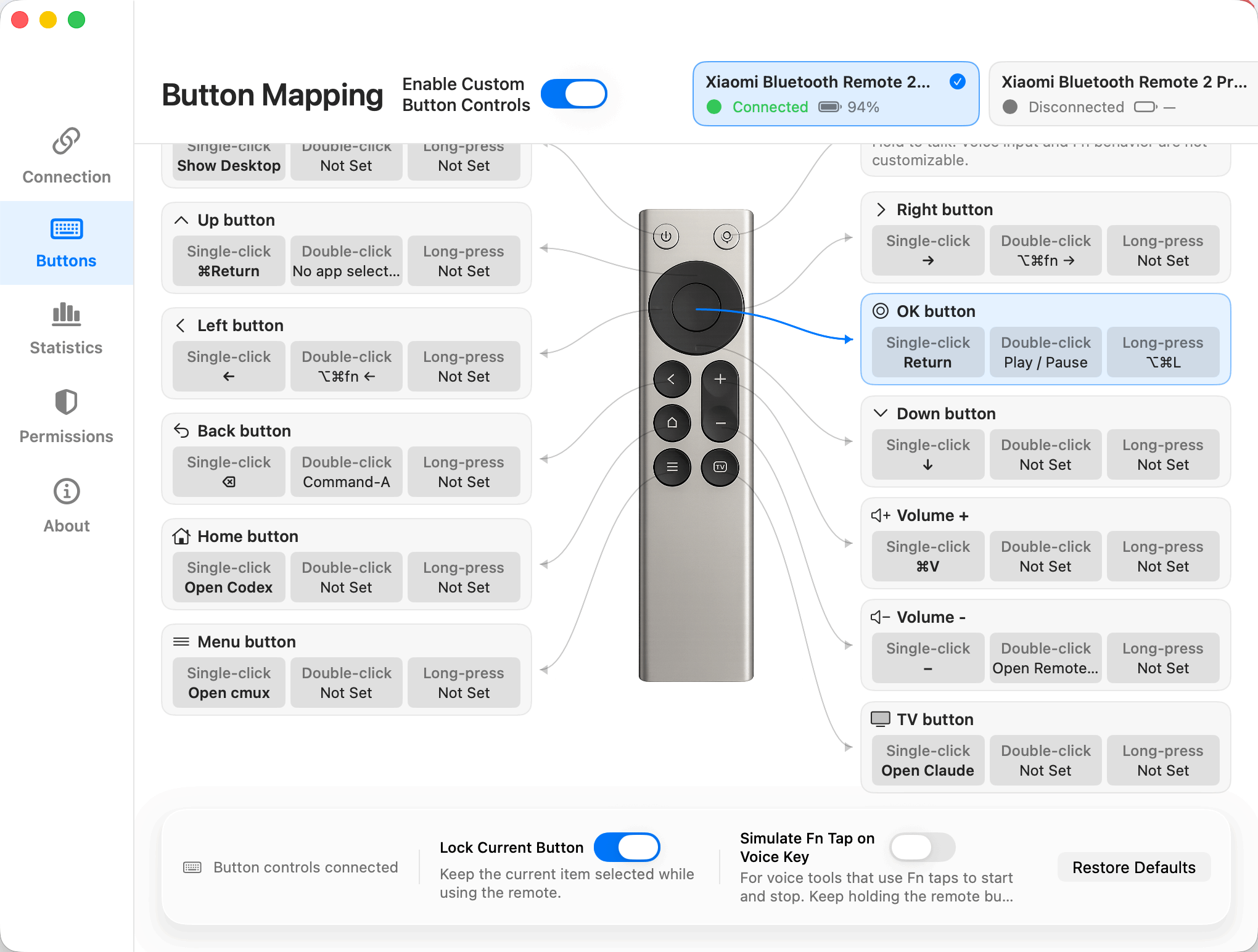
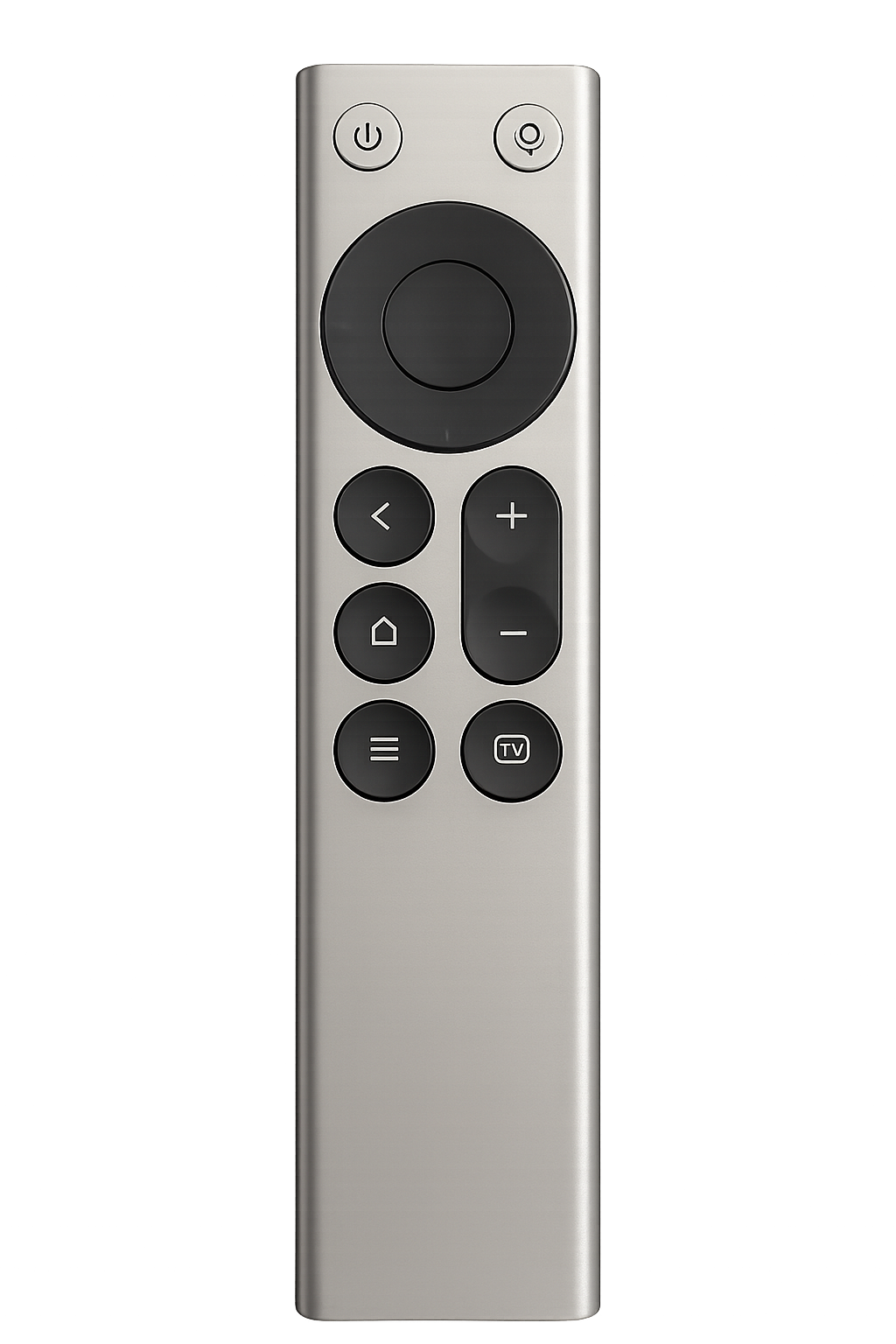
SayAll starts by connecting a compatible remote's microphone and buttons to your Mac, then brings together common actions, app-specific button profiles, and the words you explicitly choose to keep.
See how SayAll turns a familiar Bluetooth voice remote into a new way to express ideas, control your Mac, and work with AI. The video is in Chinese.
Video by 可乐不甜的跑焦日记
Watch the HD original on Bilibili3D-printed shell by the same creator: View on MakerWorldWatch more creator videosThe tutorial page features more real-world videos from creators, available here or on their original platforms.Hold to speak and release to stop. Add text to the app you are using without interrupting a meeting or pausing your music.
Combination Actions can run several supported local steps from a click, double-click, or long press.
Save complete button profiles for different apps and switch them manually or by the active app.
When enabled, Revisit keeps final text entered through SayAll on this Mac by app and date, then exposes it to selected AI clients through revocable, read-only MCP access.
Native, quiet, lightweight
SayAll is built natively with SwiftUI, leaving system resources for the development tools that need them.
Capture your own thoughts on the Mac without interrupting the room.
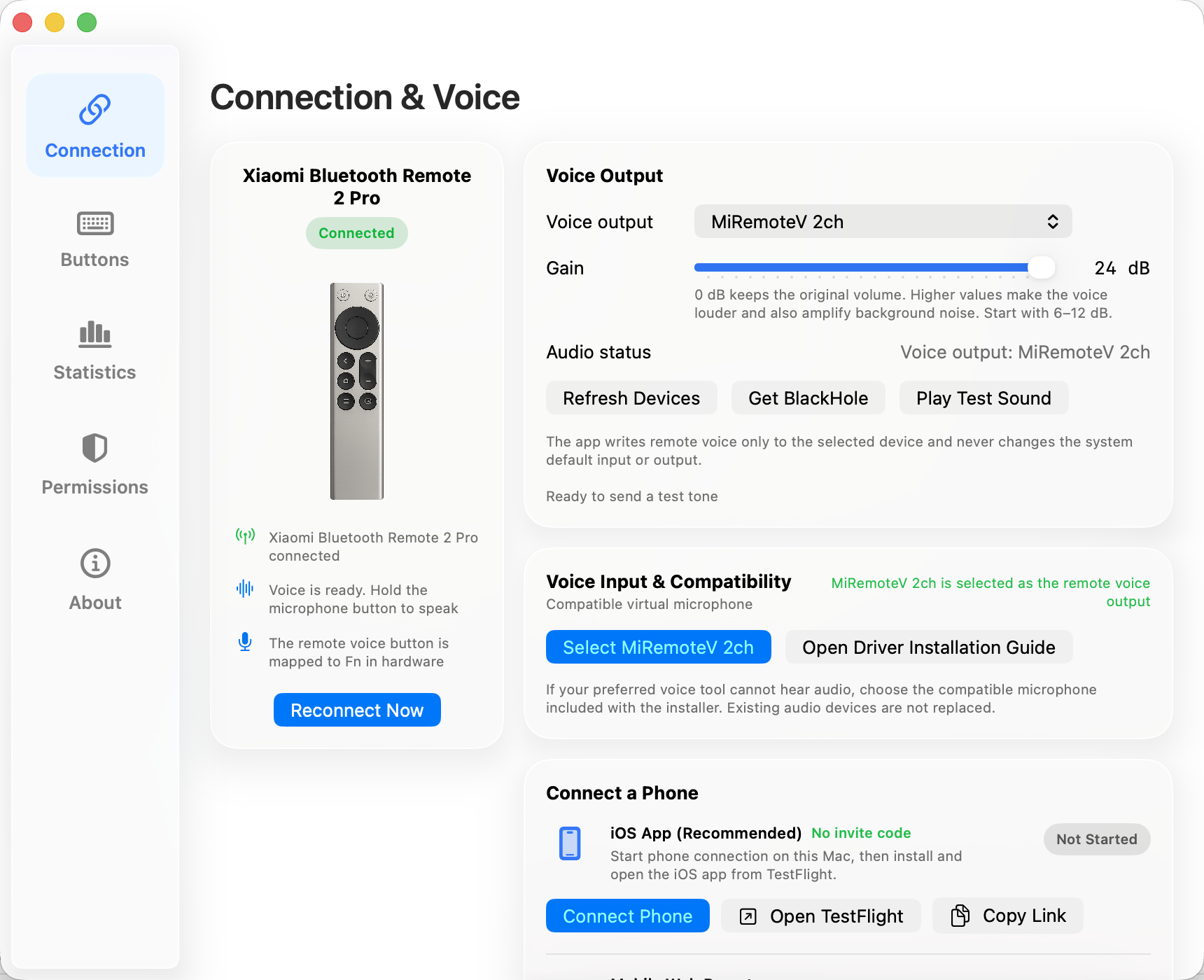
Use the compatible microphone without automatically changing the system's default audio devices.
Express ideas and trigger controls in Codex, Claude, browsers, and more, while deciding whether anything is kept for later.
Pair a Xiaomi Bluetooth Remote 2 or 2 Pro, or use the iPhone or web controller while a physical remote is unavailable.
The installer adds SayAll and its virtual microphone. A compatible voice typing app is required separately and is not included.
Select Doubao, WeType, Vokie, Typeless, or Other Voice App in onboarding, then complete the real voice-and-text test.
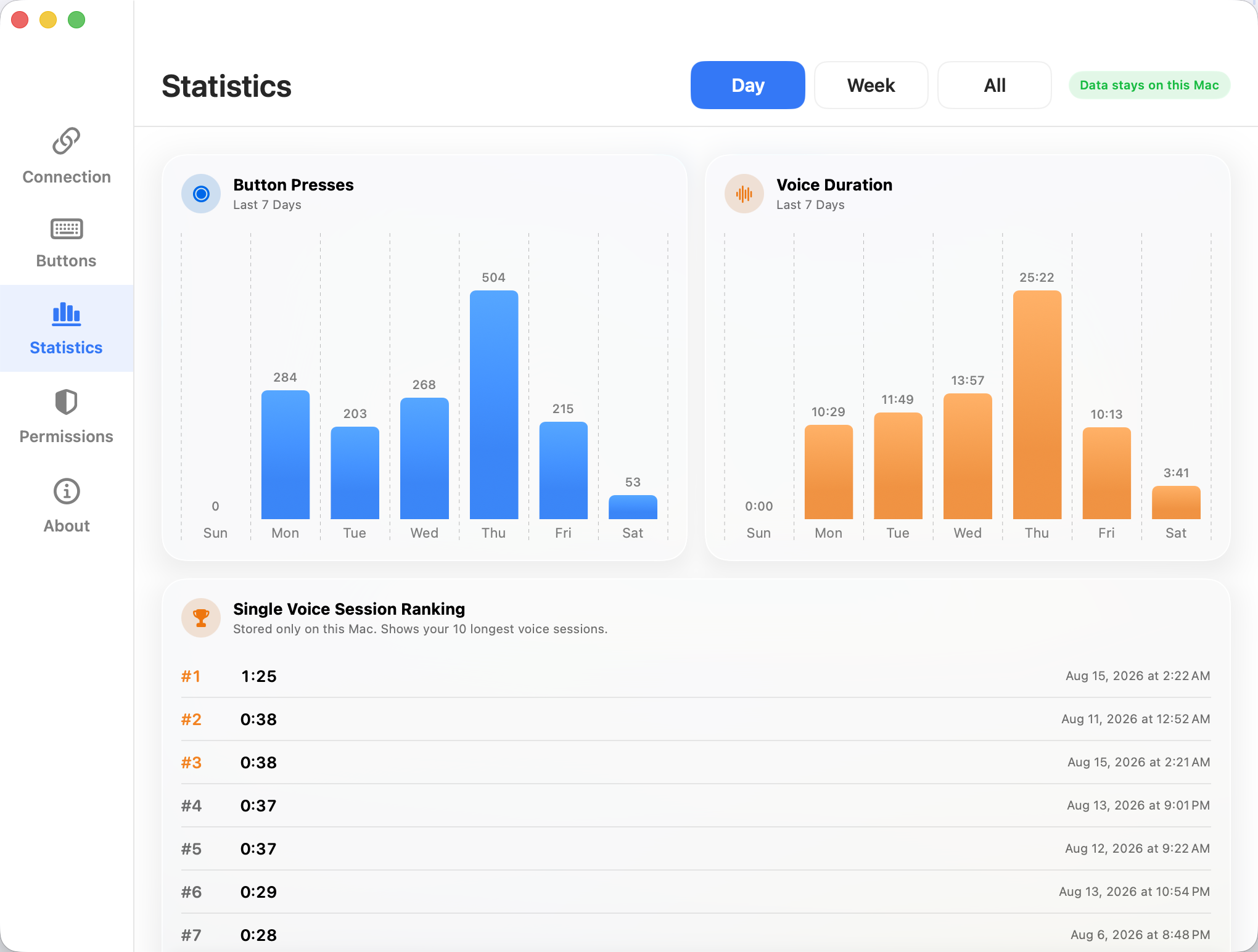
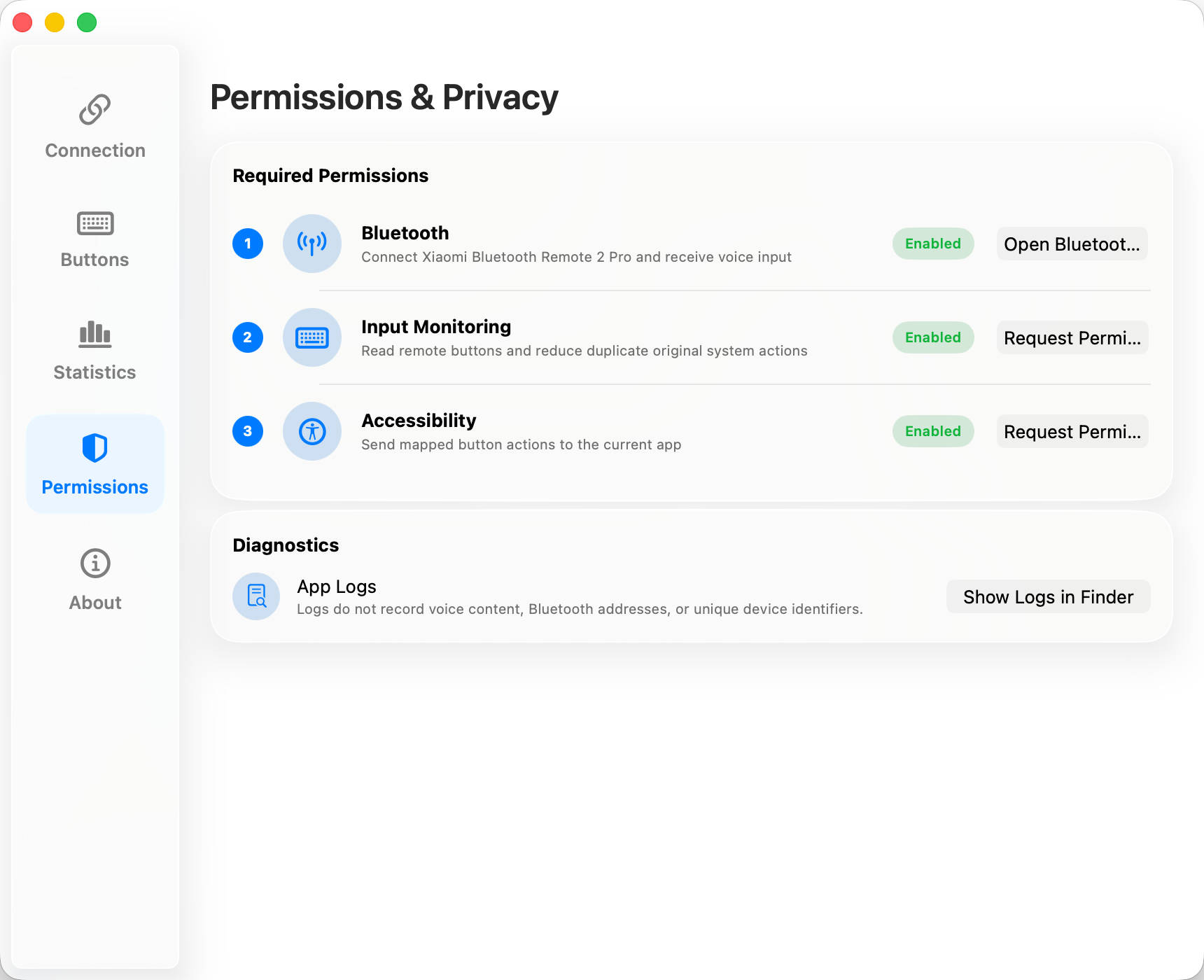
Connection, voice, button mappings, statistics, permissions, and privacy stay visible in one native settings window.
Your iPhone can step in
The iOS 17+ companion discovers a Mac on the same local network. It can replace the physical controller and send microphone audio, but it does not replace the separate voice typing app that turns speech into text. A physical remote remains the better everyday choice for tactile feedback.
Join the iOS beta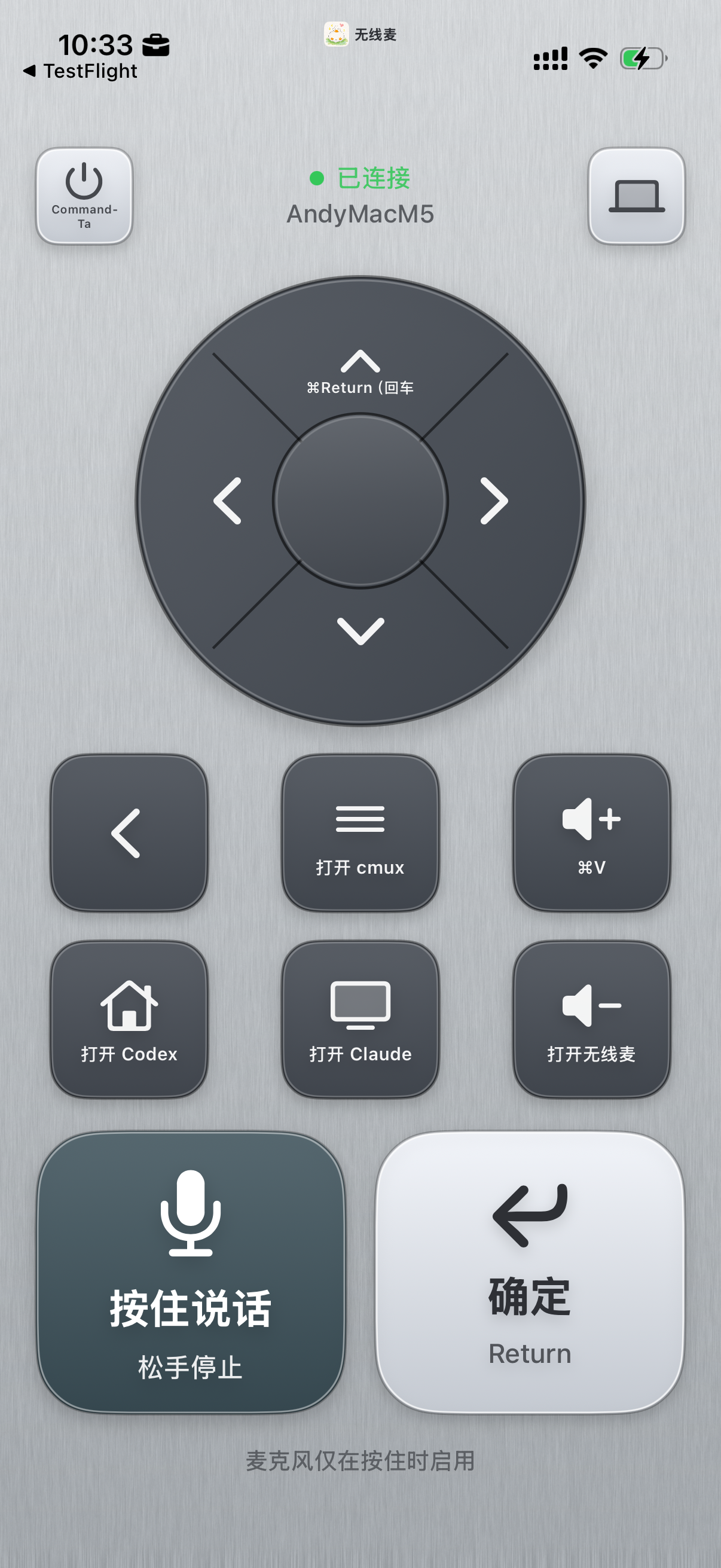
SayAll does not save audio. Revisit and Local Agent Access are off by default; when enabled, final text stays on this Mac and each AI client receives separate, revocable, read-only access.
The current release officially supports Xiaomi Bluetooth Remote 2 and 2 Pro. If you do not have one, use the iPhone or web controller as a temporary alternative.
Yes. Choose the Intel build from the download menu. Intel Macs require macOS 13 or later.
Yes. SayAll carries the controller's audio and button events, but a separate app turns speech into text. Onboarding lists Doubao, WeType, Vokie, Typeless, and Other Voice App. Vendor language support and availability vary.
VoiceInk has not completed SayAll's official compatibility testing. You can try it through Other Voice App by selecting SayAll's virtual microphone, but it is not currently an officially supported integration.
SayAll does not currently have a verified official US seller. Availability on third-party marketplaces changes, so check the exact model and seller terms; until then, the iPhone or web controller can replace the physical controller.
Only after you enable it, Revisit keeps final text entered through SayAll. It does not save audio or read complete conversations, other people's replies, or surrounding text.
The SayAll app, driver, and related code are GPL-3.0-only. The website source, design, copy, screenshots, logo, and app icon are not covered by the GPL and remain proprietary.
Community & feedback
Scan a code for updates and product discussions.
View the project on GitHub ↗ WeChat groupScan in WeChat to join the group
 XiaohongshuScan to follow SayAll on Xiaohongshu
Speak to type. Press once to do more. Revisit what you said.
My other work
Explore more of my products, templates, and open-source tools.
Need to remove it completely?
The uninstaller verifies app identities, then moves SayAll, recognized legacy app paths, and the compatible microphone driver to the macOS Trash so they can be restored if needed.
BlackHole and SayAll's local settings are left unchanged.